
Nielix and Home Assistant
Send messages and speech to the TV screens in the house, control playback from automations, and use MQTT, webhooks and Home Assistant. All of it is off until you choose it.
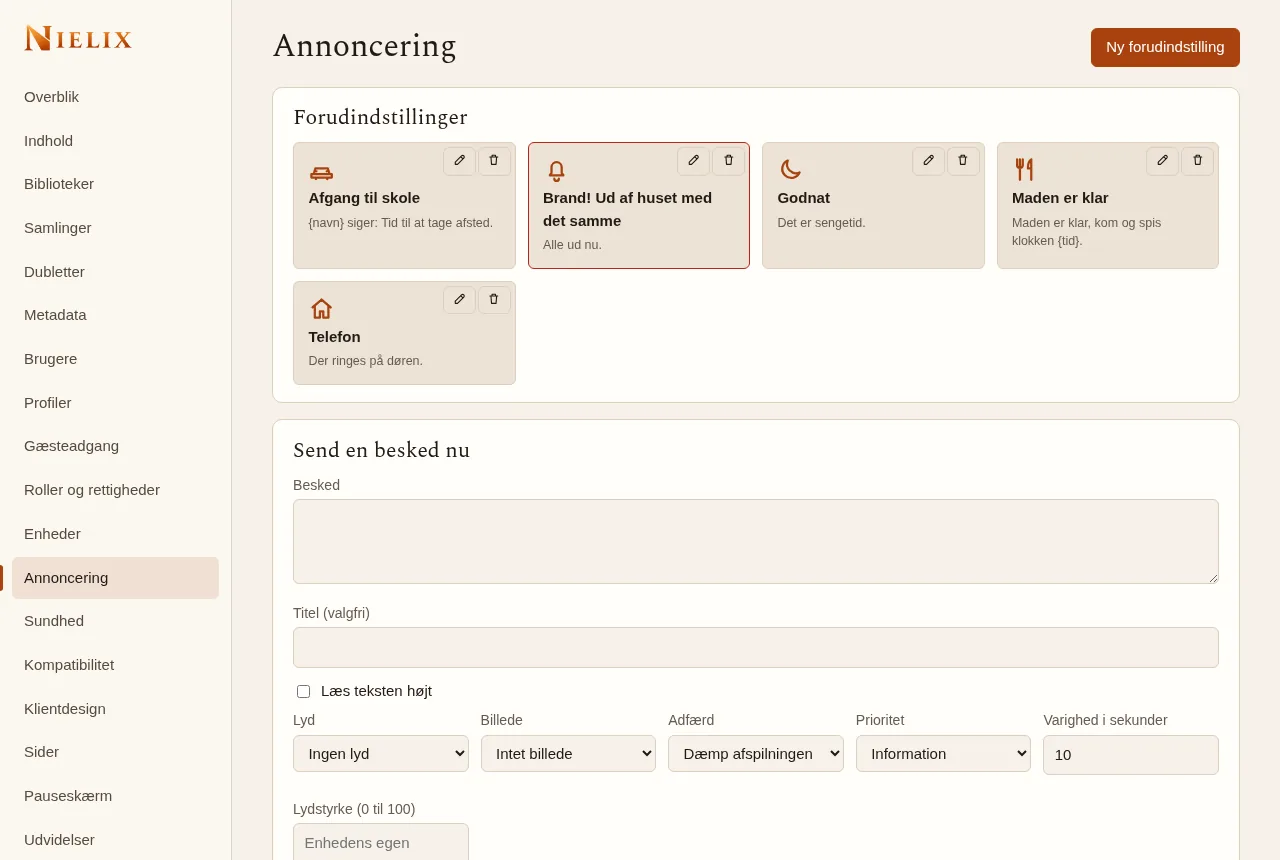
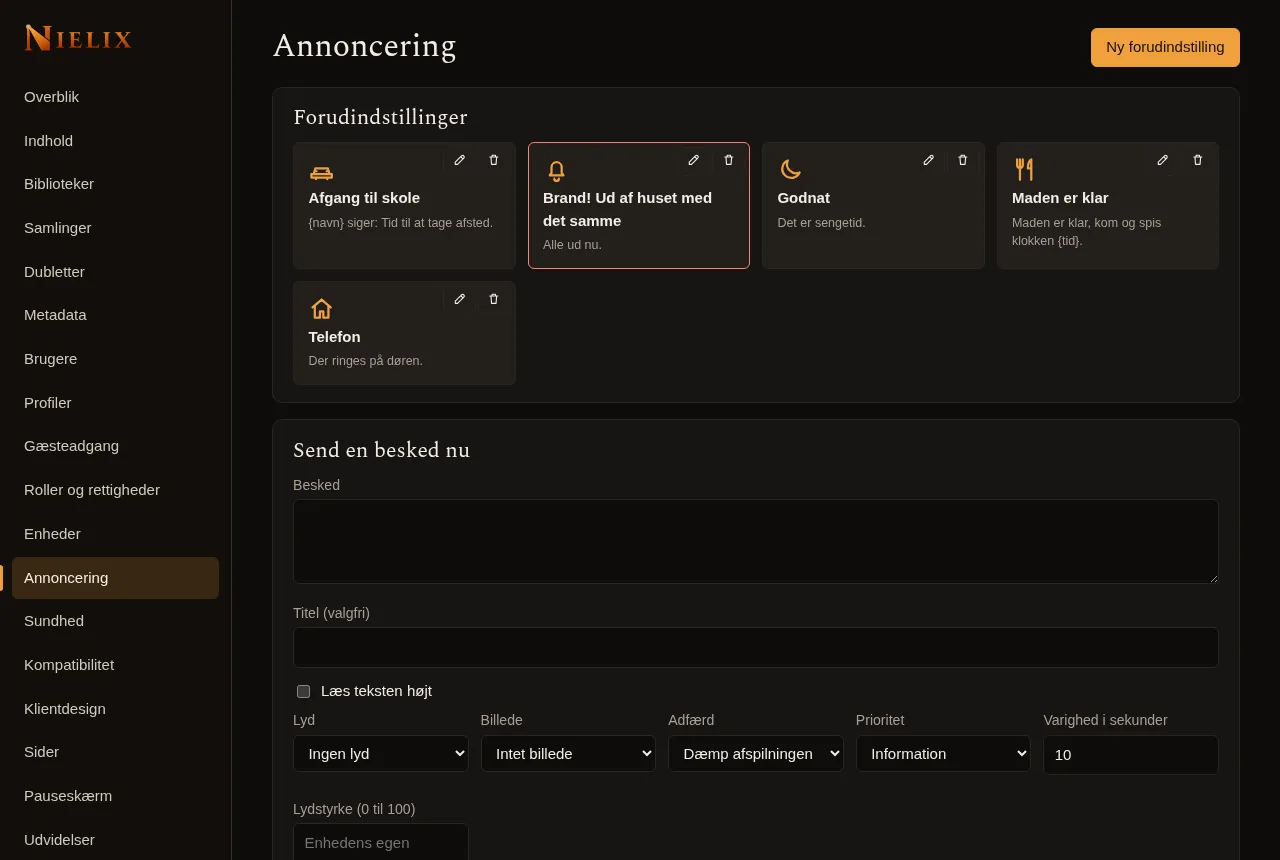
The screenshot shows the Danish interface and invented content only.
The server is the broker
The screens (the TV app, the phone and the web player) have no open port, and you never talk to them directly. You talk to the server, and the server passes it on to the screens that are connected.
- Six ways in and out: REST, MCP, webhooks, MQTT, Home Assistant and an event stream.
- Every route goes through the same checks. What a key may not do in REST, it may not do in MQTT or MCP either.
- A key can never do more than the user it belongs to.
Messages to the screens
Send "Food is ready" to every screen in the house, or only to some. You can make presets and groups, and you get a status per device.
- Messages can have a title, sound, picture, priority and duration, and the text can be read aloud.
- Do not disturb, a volume ceiling and a limit on messages per minute keep it calm.
- Speech is read aloud with the browser's or the TV's own voice, so it only works if the device has one. A browser only plays sound after a click on the page. Otherwise the message is shown as text.
- Child profiles can never send messages.
Control playback
An automation can pause, resume, seek, change the volume and open certain pages on a screen. Each profile can only control playback on its own screen. The owner of the household controls every screen in the household.
MQTT and Home Assistant
MQTT is off by default, and only the owner can turn it on, and only with a login. Then Home Assistant can find the screens by itself through MQTT discovery. You can also use the ready-made Home Assistant integration, which talks to your own server over REST and the event stream. Nothing runs in the cloud.
- I have tried the app against a real TV box, but not everything. The documentation says what has been tried and what has not.
Webhooks and AI access
With webhooks the server calls an address when something happens, for example when playback starts, a film is added or a device goes online. With a secret the message is signed with HMAC-SHA256. The address may point to your local network.
- An AI assistant can use MCP with a key you create yourself. It is off by default.
Read next
- The Nielix player
How Nielix plays your files, from direct play and transcoding to subtitles and the next episode.
- Your own TV channels and TV guide
Build live channels from your own series and films, and watch them in a TV guide. Your own M3U and XMLTV sources can be added with Premium.
- Security and running without internet
Nielix is built for your own network. Here is what works without internet, and how the server is kept closed the way you want it.
- All features
- Pricing
- FAQ
Ready to try Nielix?
Download the server and run it on your NAS, mini PC or Raspberry Pi. You do not need an account to use it.