
Nielix features
This is what Nielix can do today. Everything is free unless it says Premium. The screenshots show invented films and series.
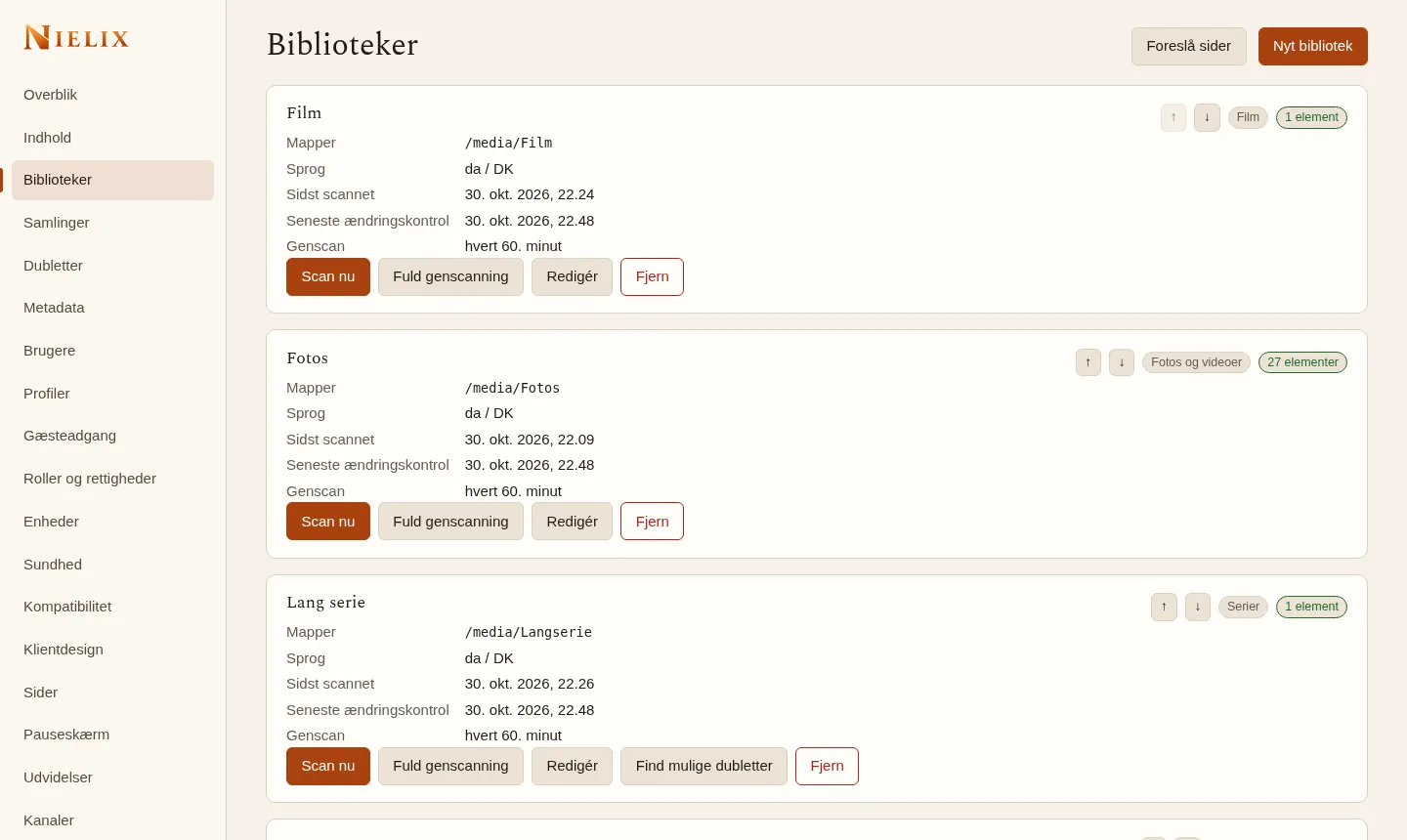
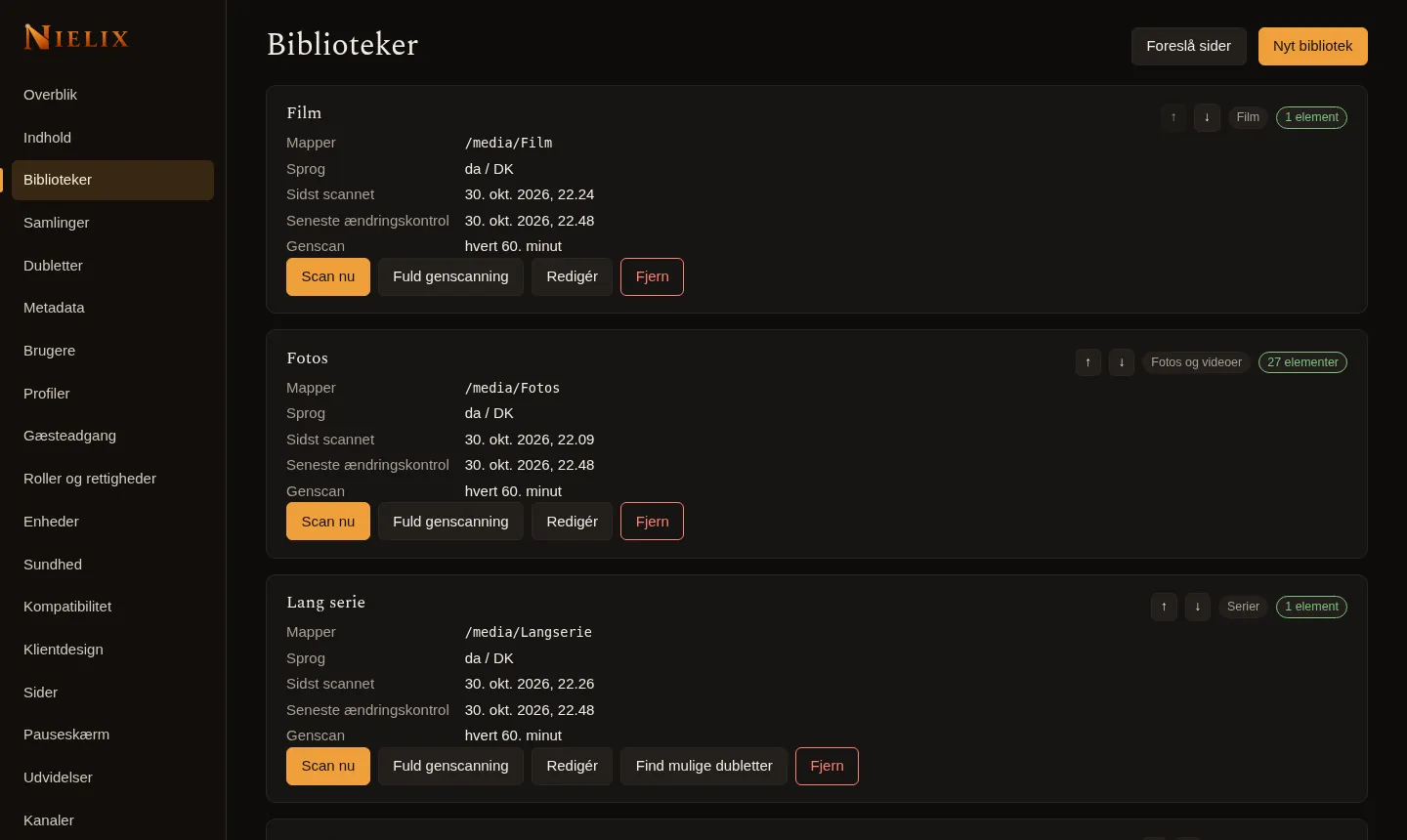
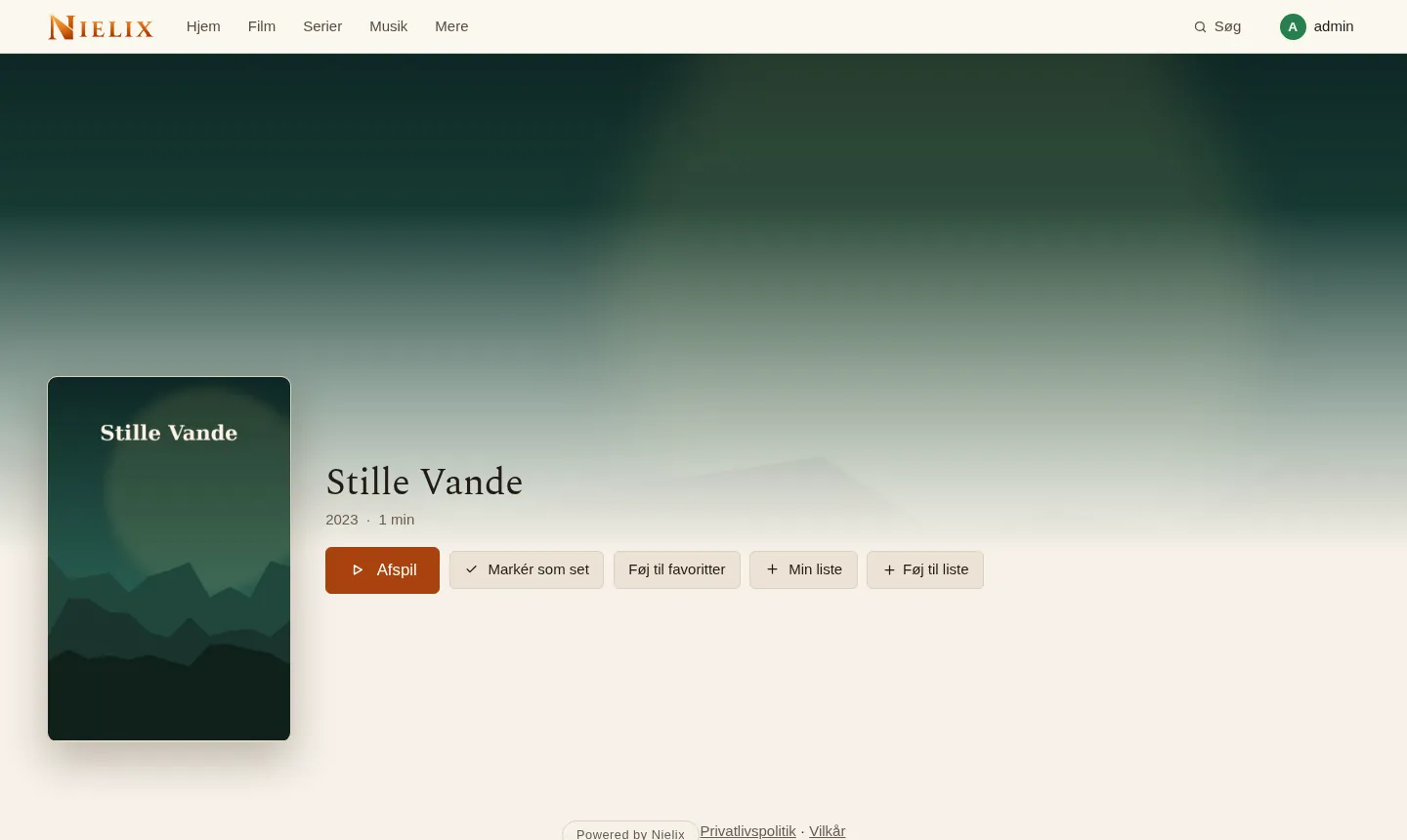
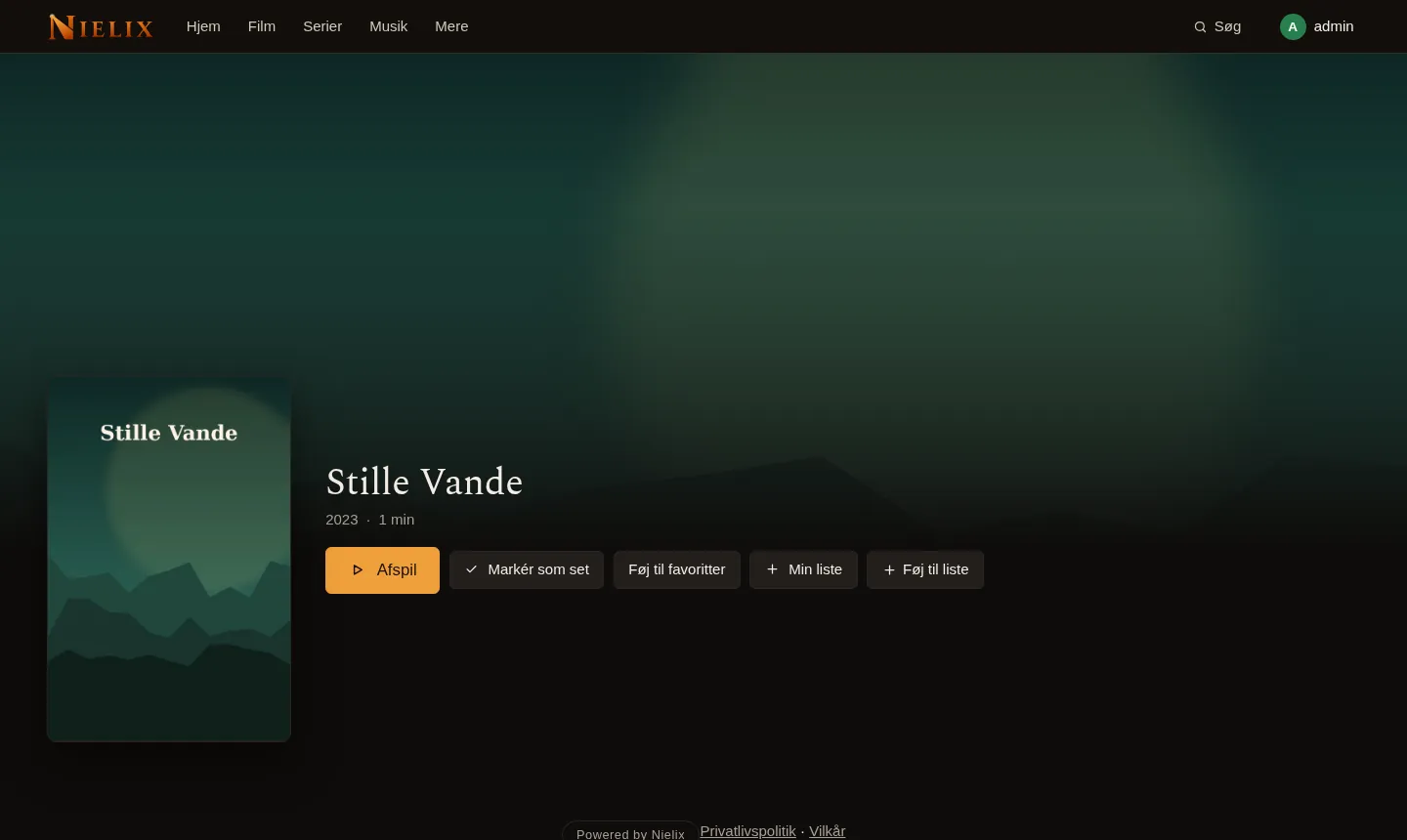
The screenshot shows the Danish interface and invented content only.
Libraries and metadata
FreePoint Nielix at the folders with your films, series, music and photos, and the server builds libraries with posters, descriptions, seasons and episodes. The folders are opened read-only, so Nielix never changes your files.
- Titles and pictures are read from .nfo files, pictures next to the file and the file name. You can turn on film and series databases with your own key, but no outside source is active from the start.
- What you correct yourself wins. Edited fields, a chosen match, merges and splits are not overwritten by a new scan.
- Media on a NAS or a Windows share can be added as a network drive (SMB or WebDAV) without mounting it.
- Several versions of the same film are gathered into one, and you choose the version in the player.
- Photo libraries show as a timeline and albums, and an optional screensaver can show photos by time of day.
The player
FreeNielix plays your files directly when the device can, and transcodes with ffmpeg when it cannot. You continue where you left off across devices.
- Subtitles from the file or next to it. Picture subtitles are burned in if you choose them.
- Transcoding to H.264 and AAC as HLS, with hardware on Intel and AMD (VAAPI) if the machine has it.
- Picture mode Auto, Fit or Fill, so black bars baked into the file can be cropped.
- Skip intro and credits, and the Next episode card with a countdown.
- A preview on the seek bar when you scrub. You turn it on in the settings.
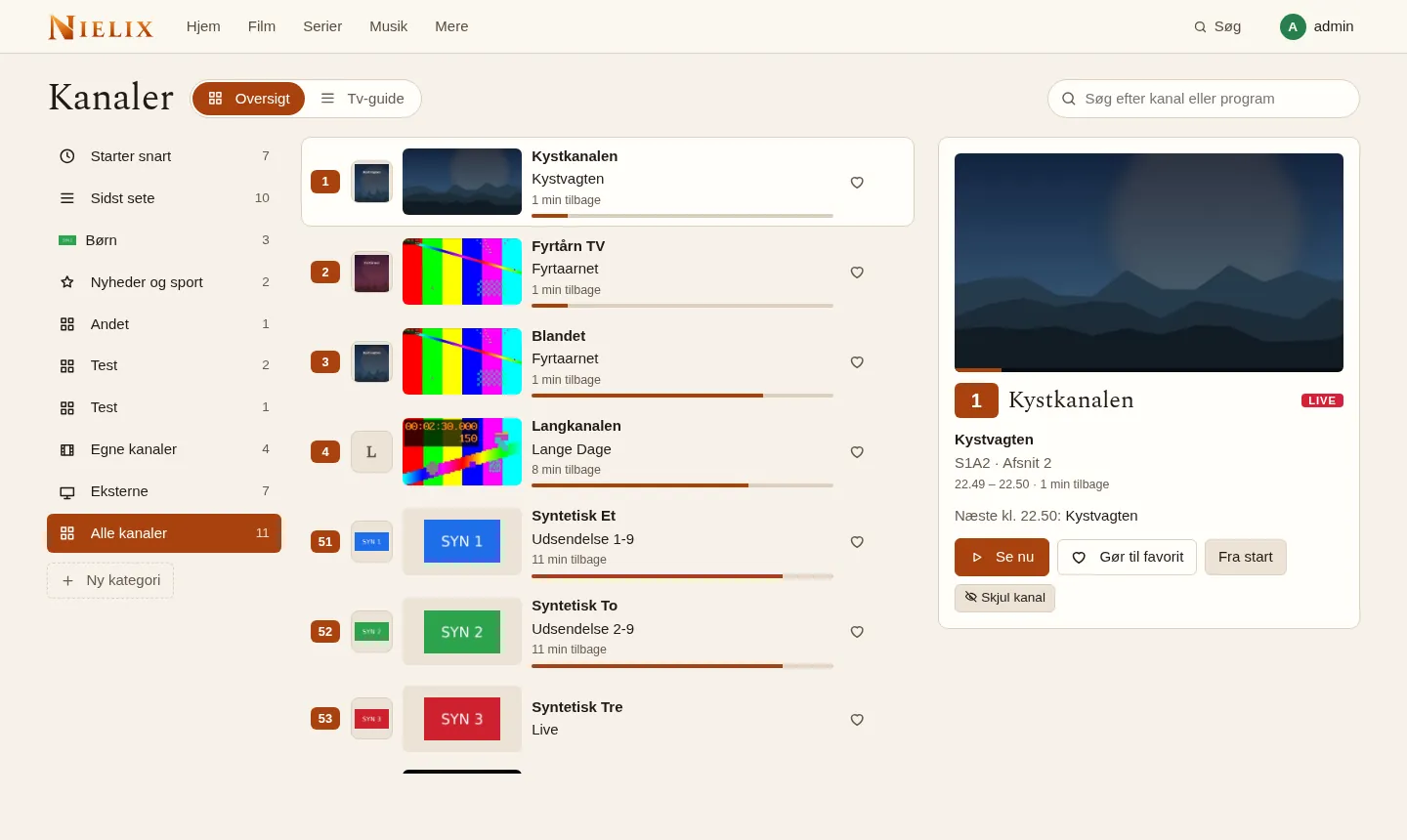
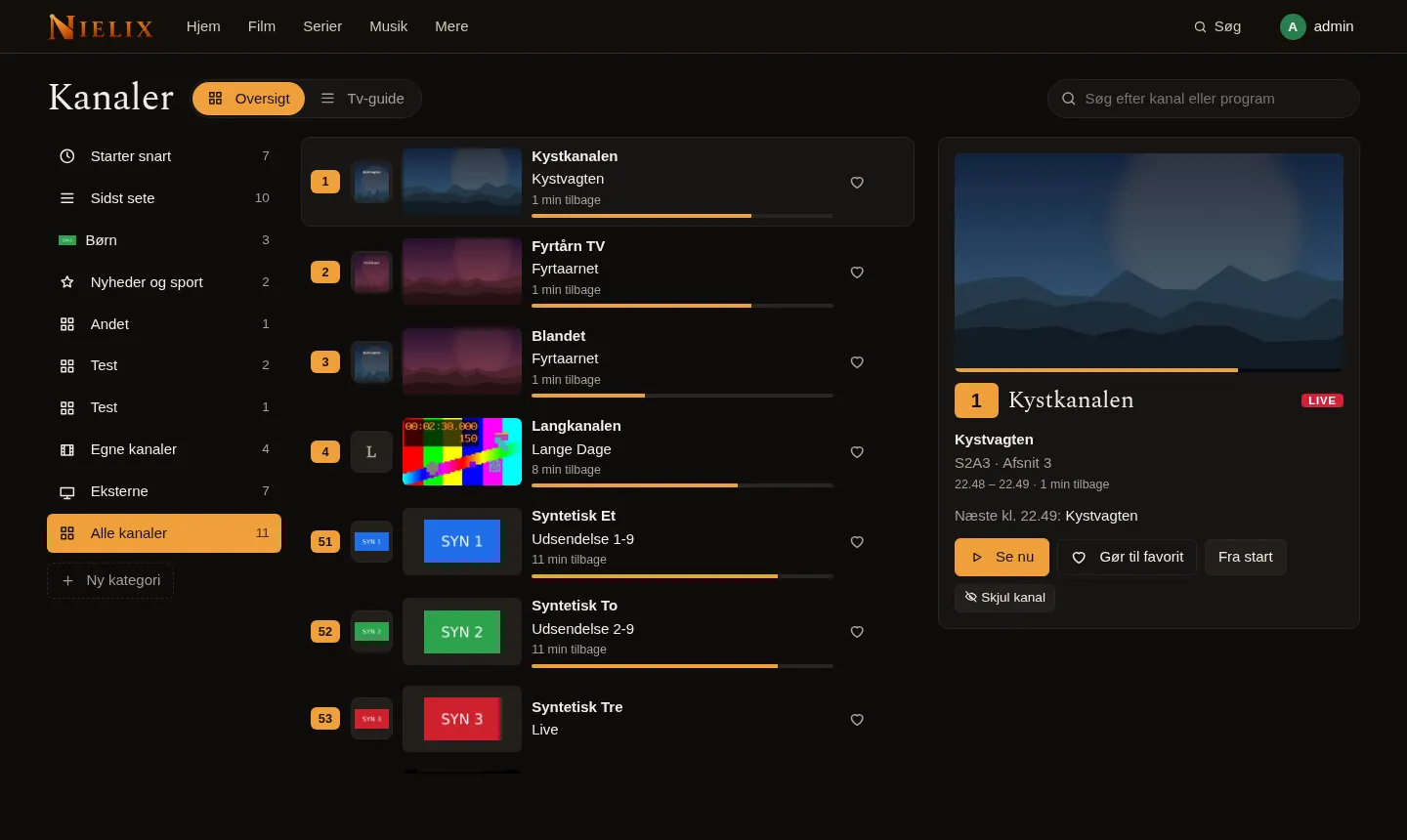
Your own channels and TV guide
Partly PremiumChoose series, seasons and films, and the server plays them as a live channel around the clock, so everyone sees the same thing at the same time. There is a channel overview, a TV guide, reminders, favourites and categories.
- Watch a channel now, or from the start on your own channels (Premium).
- Add your own M3U list and XMLTV guide as external channels (Premium). Nielix provides no channel lists, addresses or content, and the app never sees the provider's address.
- Limit channels per profile and to certain time windows.
Users and child profiles
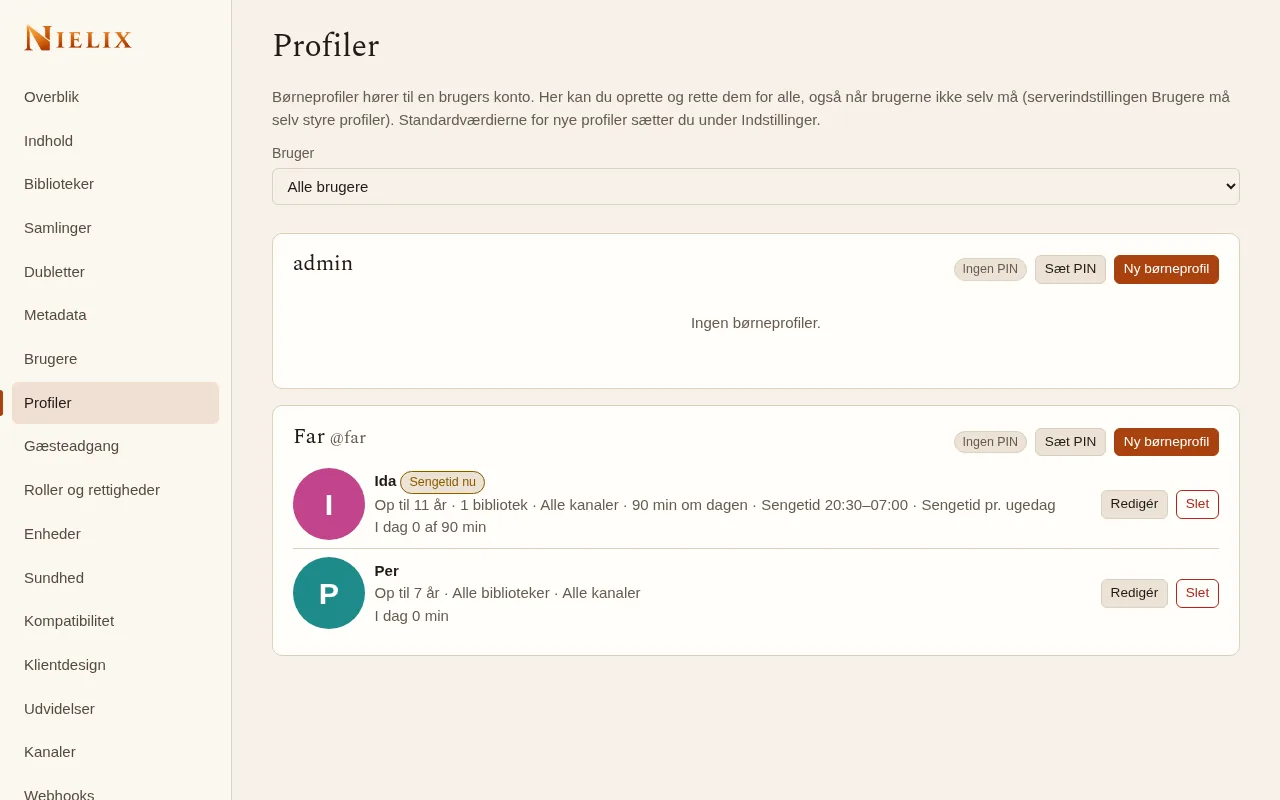
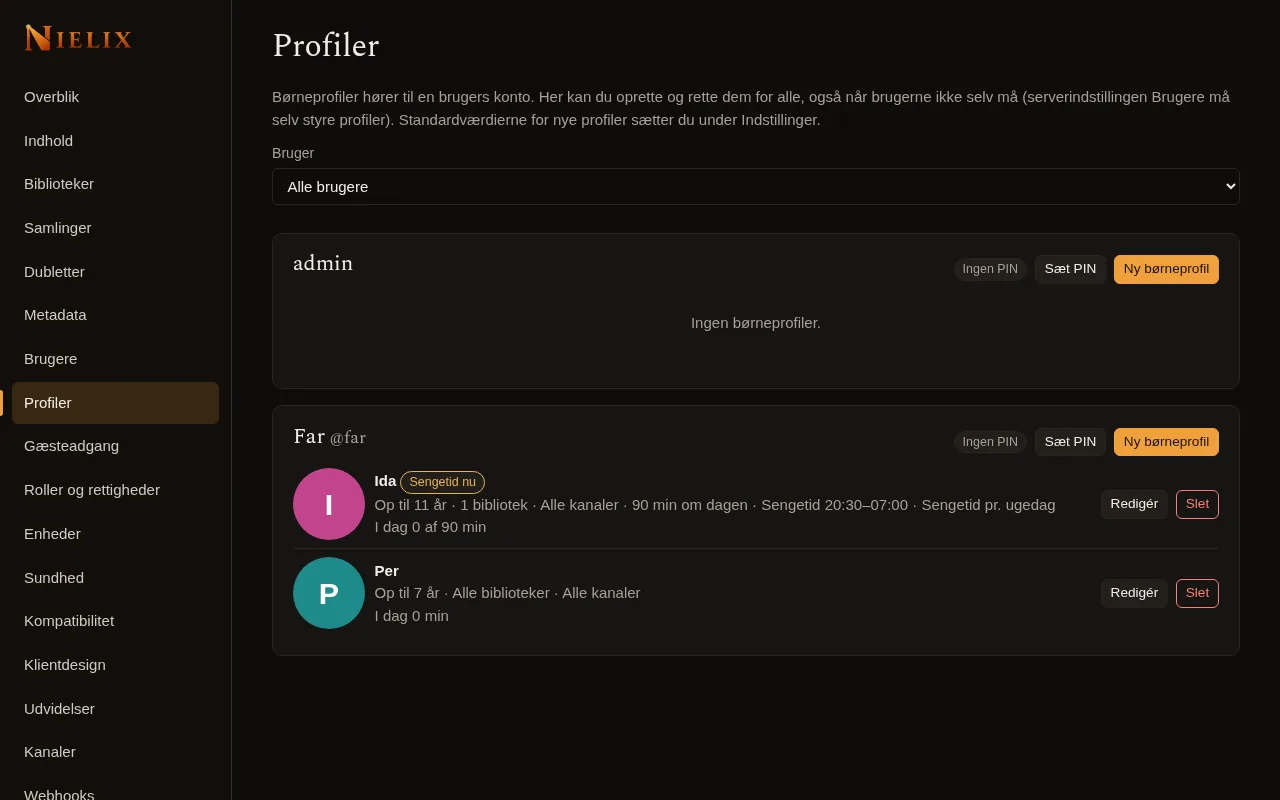
Partly PremiumGive everyone in the family their own user and profile, with their own favourites and continue watching. You decide which libraries and channels each can see.
- Child profiles with an age limit, time per day and bedtime. The server enforces it, not the app.
- Profiles can be protected with a PIN, and roles and permissions control what a user may do.
- You can see the devices that are signed in and remove them.
- Up to two user accounts are free. More users need Premium.
Web app and TV app
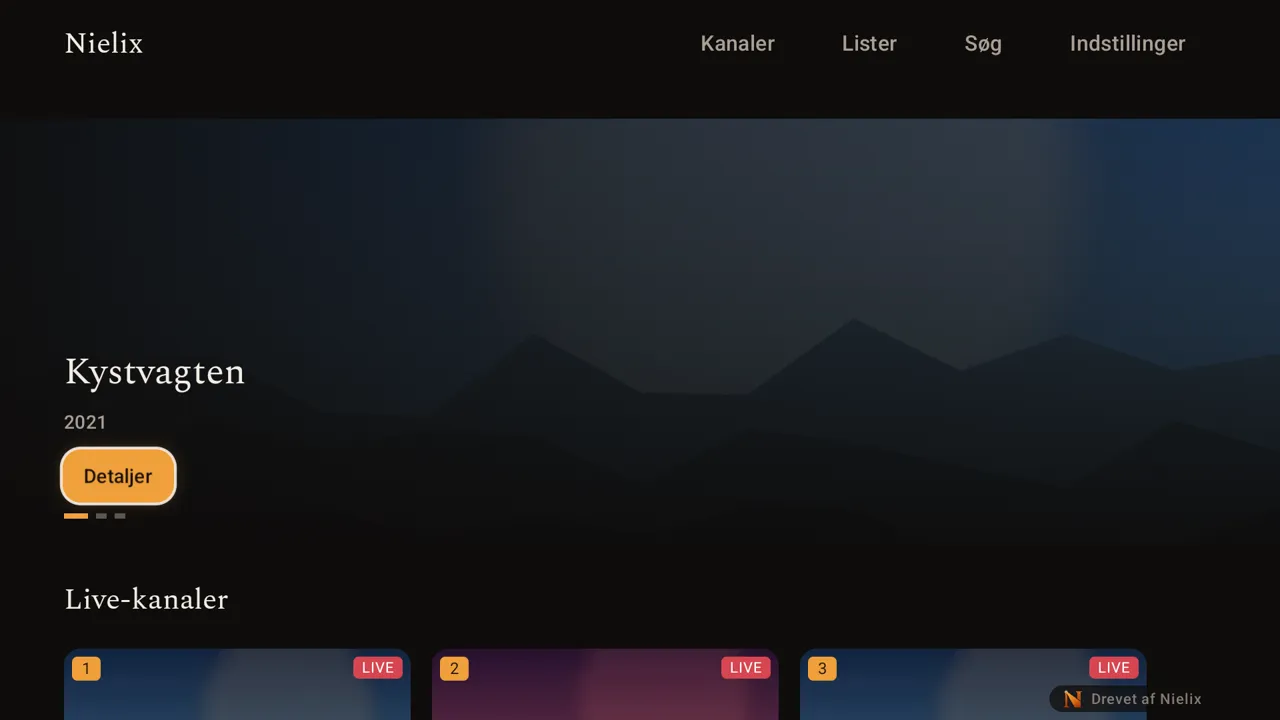
FreeThe web player works today on every device with a modern browser, and it can be installed as an app. The Android TV app is on its way to Google Play, but not released yet.
- The web app has home, films, series, music, photos, search, lists, channels with a TV guide, recordings and your devices.
- It can be installed on Android (Chrome) and on iPhone and iPad (Safari, Add to Home Screen) when the page is opened over HTTPS.
- With Quick Connect the TV app shows a code, and you approve it on your phone.
- The phone can be used as a remote for a screen that has Nielix open.
- A compatibility layer, off by default, can let apps made for other media servers connect.
Home automation and integrations
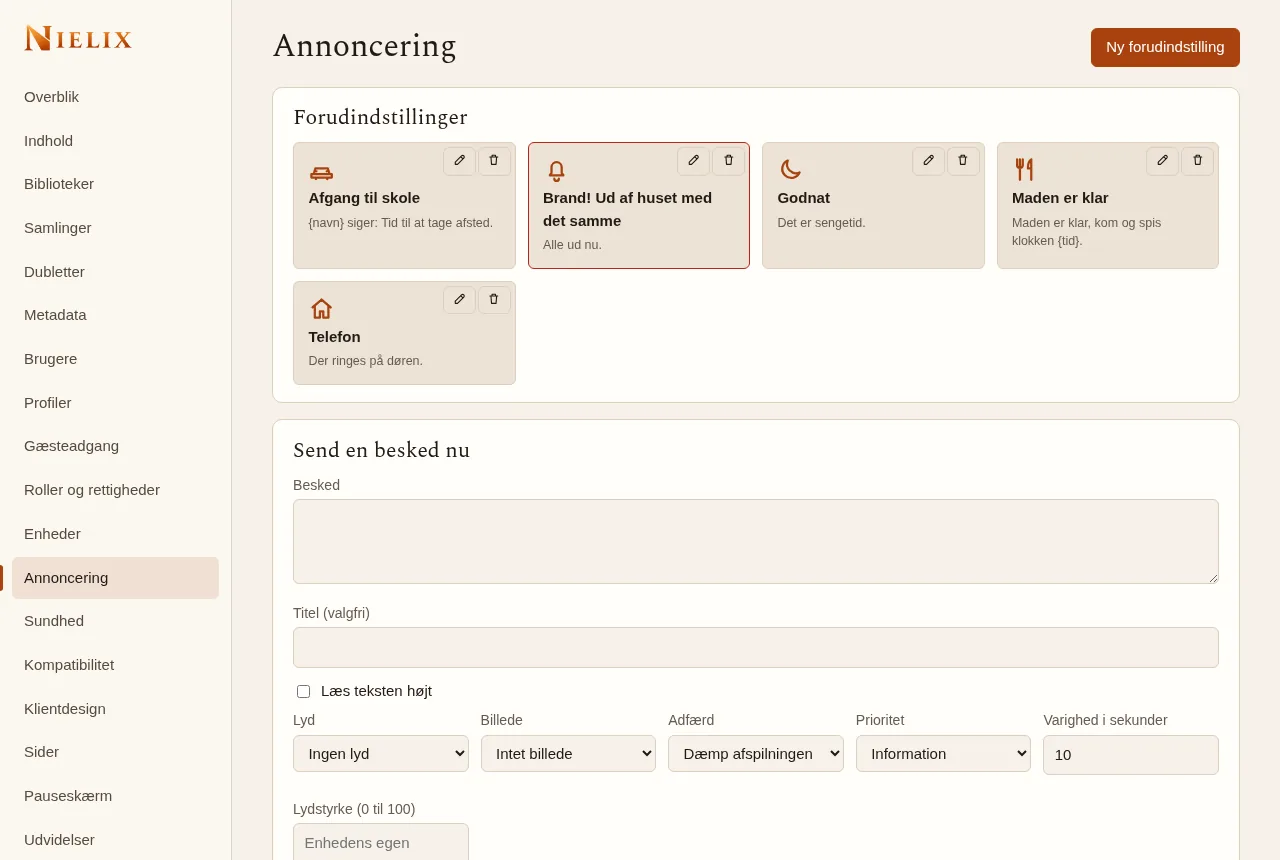
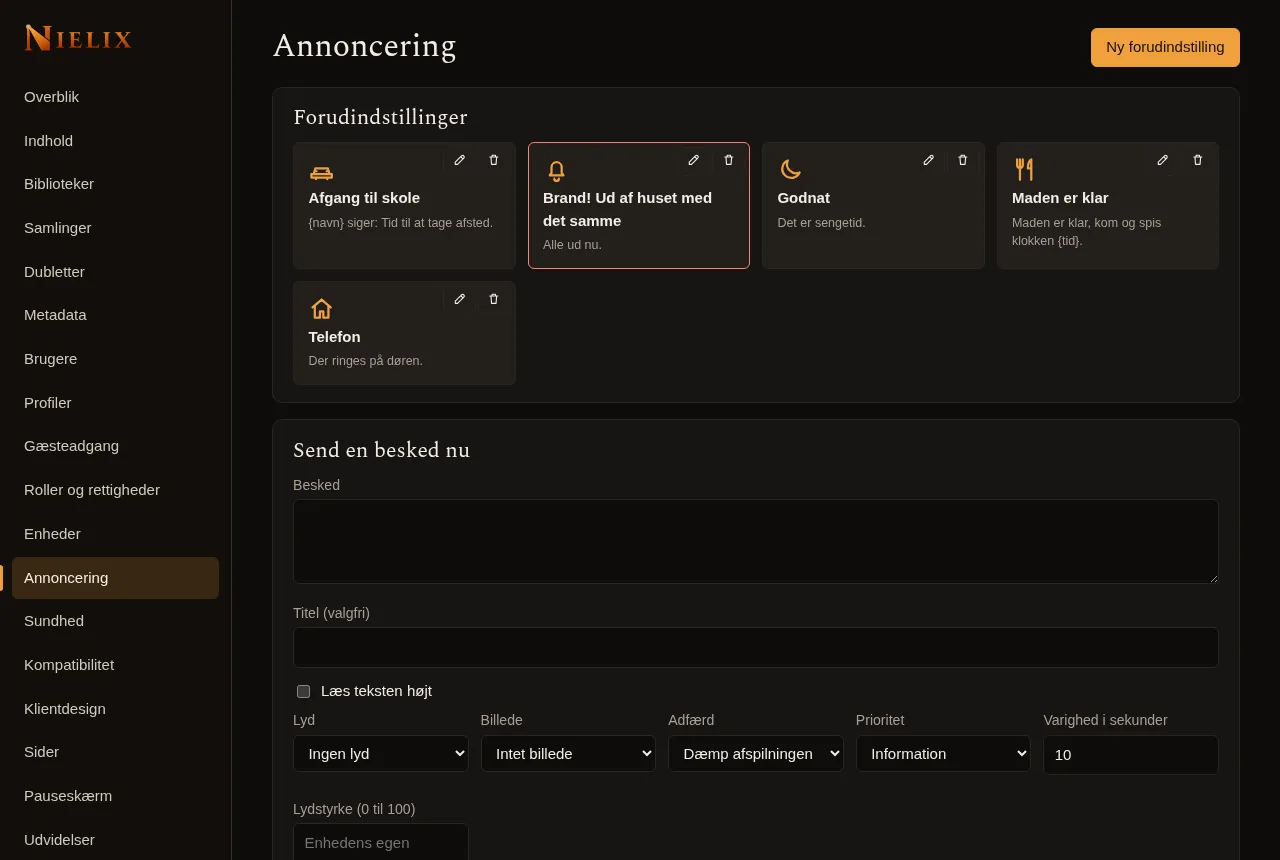
FreeThe server is the broker between your home and the screens. Send "Food is ready" to every TV in the house, let Home Assistant see the screens, and have an automation dim the lights when a film starts.
- Messages with title, sound, picture, priority and speech, to screens, groups and presets, with status per device and do not disturb.
- REST, webhooks (signed with HMAC-SHA256), an event stream and MQTT with Home Assistant discovery. MQTT is off until the owner turns it on.
- A ready-made Home Assistant integration that talks to your own server.
AI access (MCP)
FreeAn AI assistant such as Claude Code or Codex can look at and adjust the server through MCP, within the rights you give a key. It is off by default.
- You choose: read only, read and change, or full control, and which areas the key may touch.
- Writing tools can be run as a dry run, and destructive ones need confirmation.
- Secrets are never returned, and every call is logged with the key id.
Backup and restore
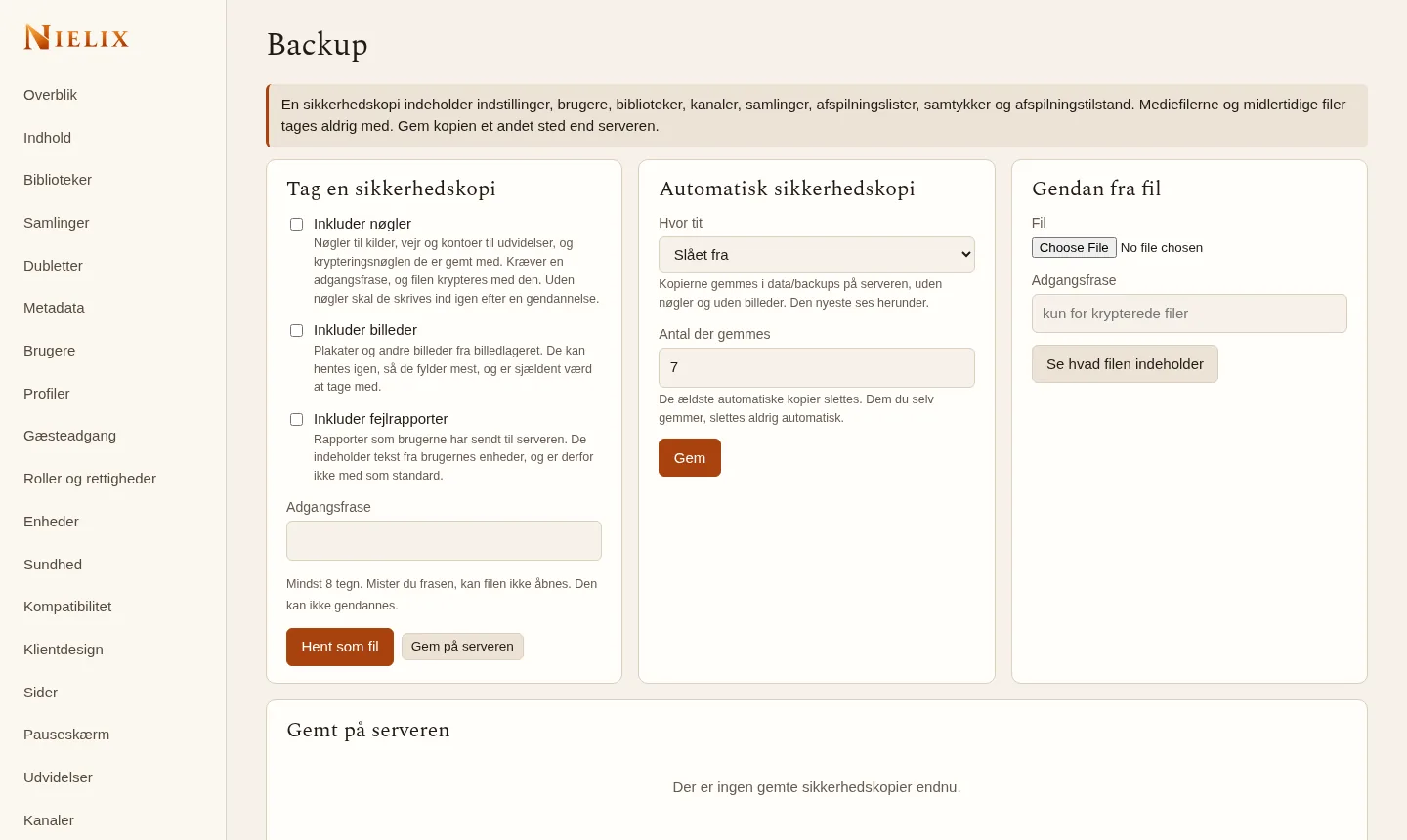
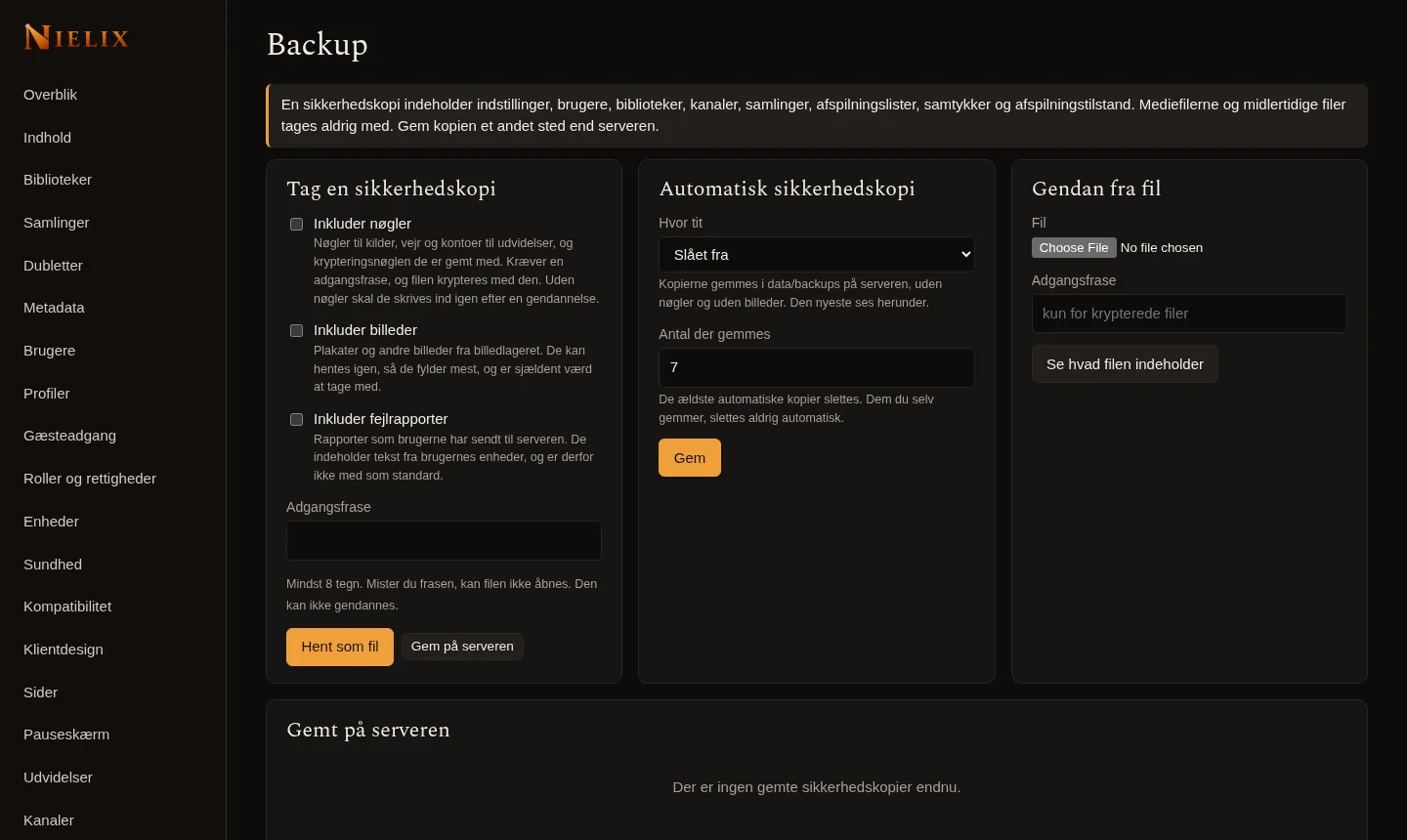
Partly PremiumA backup holds settings, users, libraries, channels, collections, playlists, consents and watch state. The media files are never included.
- Download a copy as a file, or save it on the server. If keys are included you need a passphrase, and the file is encrypted. You can see what a file contains before you restore.
- Manual copies, restore and self repair are free.
- Scheduled jobs with targets such as a folder, S3 compatible storage, SFTP and WebDAV need Premium.
- A new server can be filled from the latest copy on first start.
Running without internet
FreeEverything on your own drives works without internet: set-up, users, libraries, playback and your licence key, which the server checks itself. What comes from the net waits and is fetched when the net is back.
- Metadata lookups, weather, subtitles from providers, external channels and the update check wait until there is a connection.
- Fits a holiday house, a boat and a caravan, also if the clock on the machine is wrong.
- The administration and the web player fetch no fonts or scripts from outside.
Security
FreeNielix is built for your own network, and whatever can be opened towards the internet is off by default. A server on the internet is never entirely risk free, so I promise nothing else.
- Built-in HTTPS with Let's Encrypt or a self-signed certificate, and TLS 1.2 or newer.
- Two-factor (TOTP) with recovery codes, which the owner can require of administrators.
- Age limits and permissions are enforced by the server, and sign-in attempts are slowed down.
- A security check in the administration with green, yellow or red per point.
Free or Premium
The base server is free and has everything a home needs, with up to two user accounts. Premium is per server and covers the whole household.
Free, always
- Playback, libraries and search
- Subtitles
- Your own TV channels
- Profiles and child profiles
- Manual backup and restore
- Web app and phone
- DLNA and push notifications
- Up to two user accounts
Needs Premium
- More than two user accounts
- External channels (your own M3U and guide)
- Offline downloads in the web app
- Watch together and guest links
- Recordings and from the start on own channels
- Scheduled backup to external targets
Ready to try Nielix?
Download the server and run it on your NAS, mini PC or Raspberry Pi. You do not need an account to use it.