
The Nielix player
How Nielix plays your files, from direct play and transcoding to subtitles and the next episode.
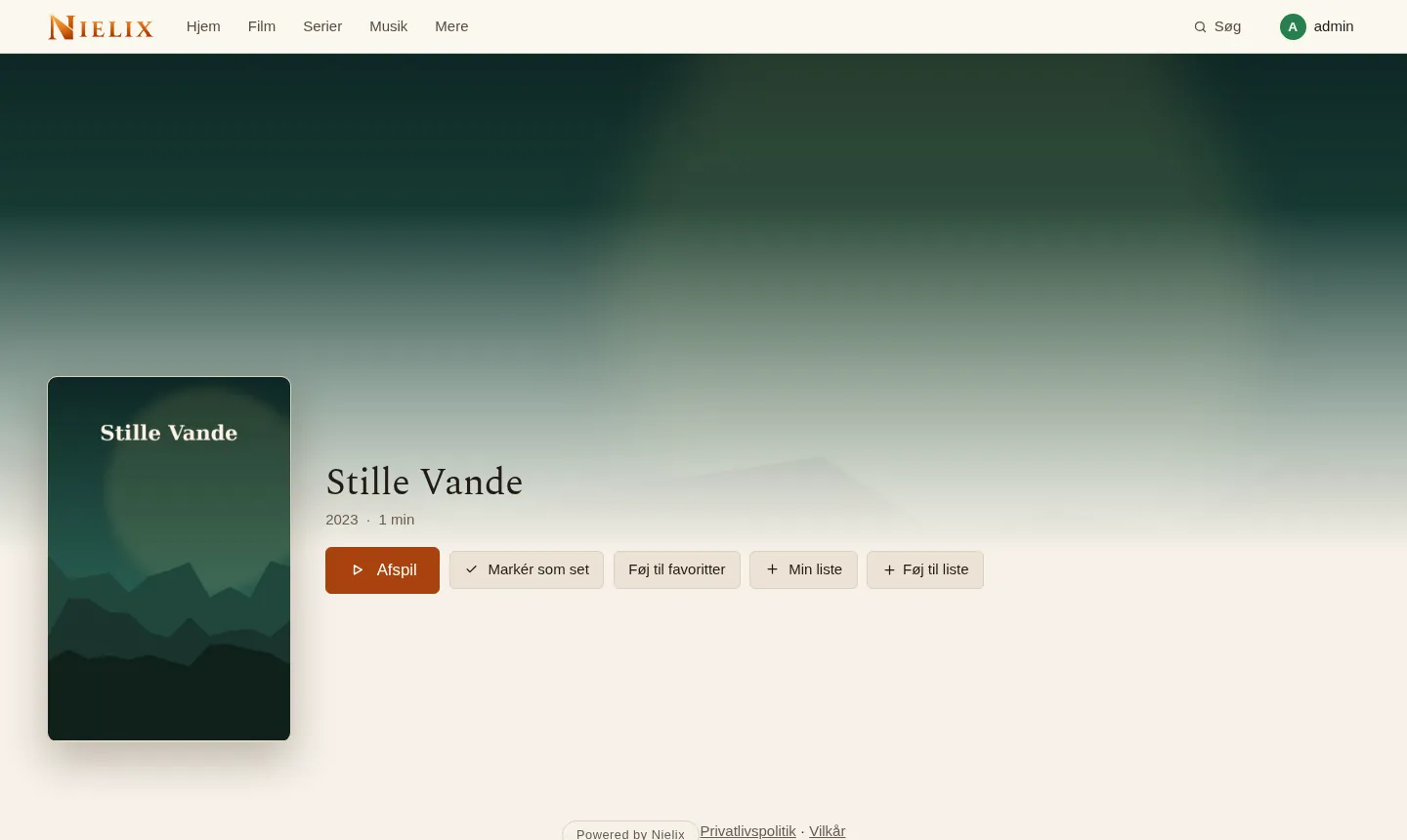
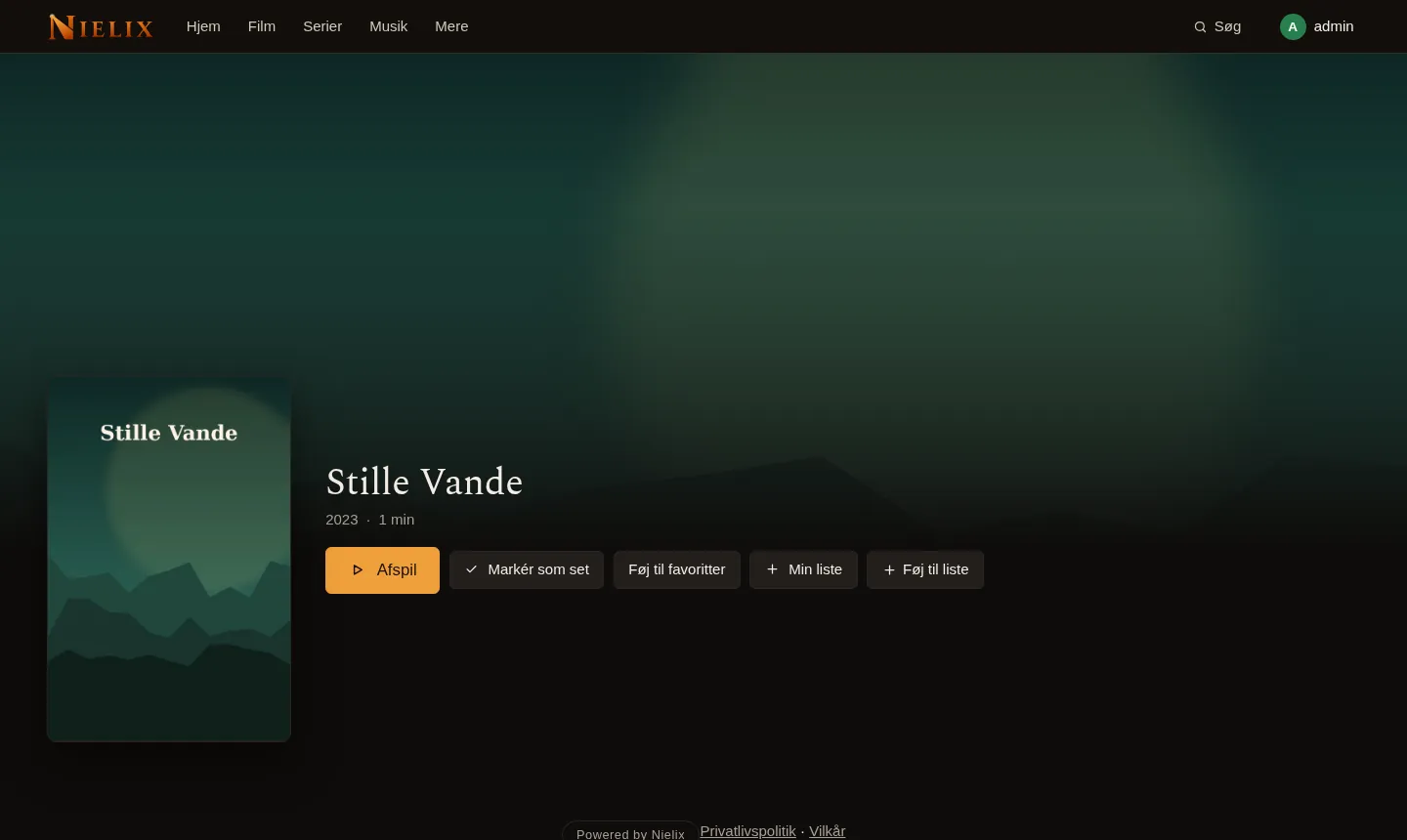
The screenshot shows the Danish interface and invented content only.
Direct play or transcoding
If the device can play the file, the server sends it unchanged. If not, the server transcodes to H.264 and AAC as HLS with ffmpeg. If only the audio is the problem, for example DTS, the video is sent unchanged and only the audio is transcoded.
- On a small NAS without hardware, transcoding on the processor is too slow for HEVC in 1080p. Intel and AMD can use VAAPI if the container gets the graphics card.
- HDR can be tone mapped to SDR when the screen has no HDR.
- Surround sound is mixed down to stereo when transcoding, unless the player asks for 5.1.
- Under Compatibility in the administration you can see which files a certain device does not play directly, and why.
Subtitles
Text subtitles in the file are extracted in the background the first time the file is played and stored, so the next times are instant. Subtitles next to the file are found automatically, for example .srt, .ass and .vtt. Picture subtitles from DVD and PGS are burned into the picture if you choose them.
- Name the file like the film with the language after it, for example Film (2020).en.srt.
- You can turn on subtitle providers with your own account, but none is active from the start.
Picture mode and preview
The picture mode Auto measures where the real picture sits in the file and removes black bars that are baked in, without cutting any of the picture. Fit shows the whole file, and Fill covers the screen. Each device chooses its own.
- A preview on the seek bar is made in the background if you turn it on in the settings.
Skip intro and Next episode
Nielix finds intro and credits from chapters in the file and by comparing the sound across the episodes of a season. You can also turn on an intro database. What you set yourself always wins.
- The Next episode card shows a picture, the episode number and title, Play now and See the credits, with a countdown from 3 to 30 seconds.
- You choose Card, Automatic or Off.
- An episode counts as watched when the credits begin.
- The sound comparison runs in the background at low priority and never while someone is watching.
Continue and phone
You continue where you left off across devices. On a phone you double tap the sides to skip, and you swipe for brightness and volume.
- Picture in picture and lock screen controls work where the browser supports them.
- Every button is at least 44 points.
Read next
- Your own TV channels and TV guide
Build live channels from your own series and films, and watch them in a TV guide. Your own M3U and XMLTV sources can be added with Premium.
- Nielix and Home Assistant
Send messages and speech to the TV screens in the house, control playback from automations, and use MQTT, webhooks and Home Assistant. All of it is off until you choose it.
- Security and running without internet
Nielix is built for your own network. Here is what works without internet, and how the server is kept closed the way you want it.
- All features
- Pricing
- FAQ
Ready to try Nielix?
Download the server and run it on your NAS, mini PC or Raspberry Pi. You do not need an account to use it.