
Your own TV channels and TV guide
Build live channels from your own series and films, and watch them in a TV guide. Your own M3U and XMLTV sources can be added with Premium.
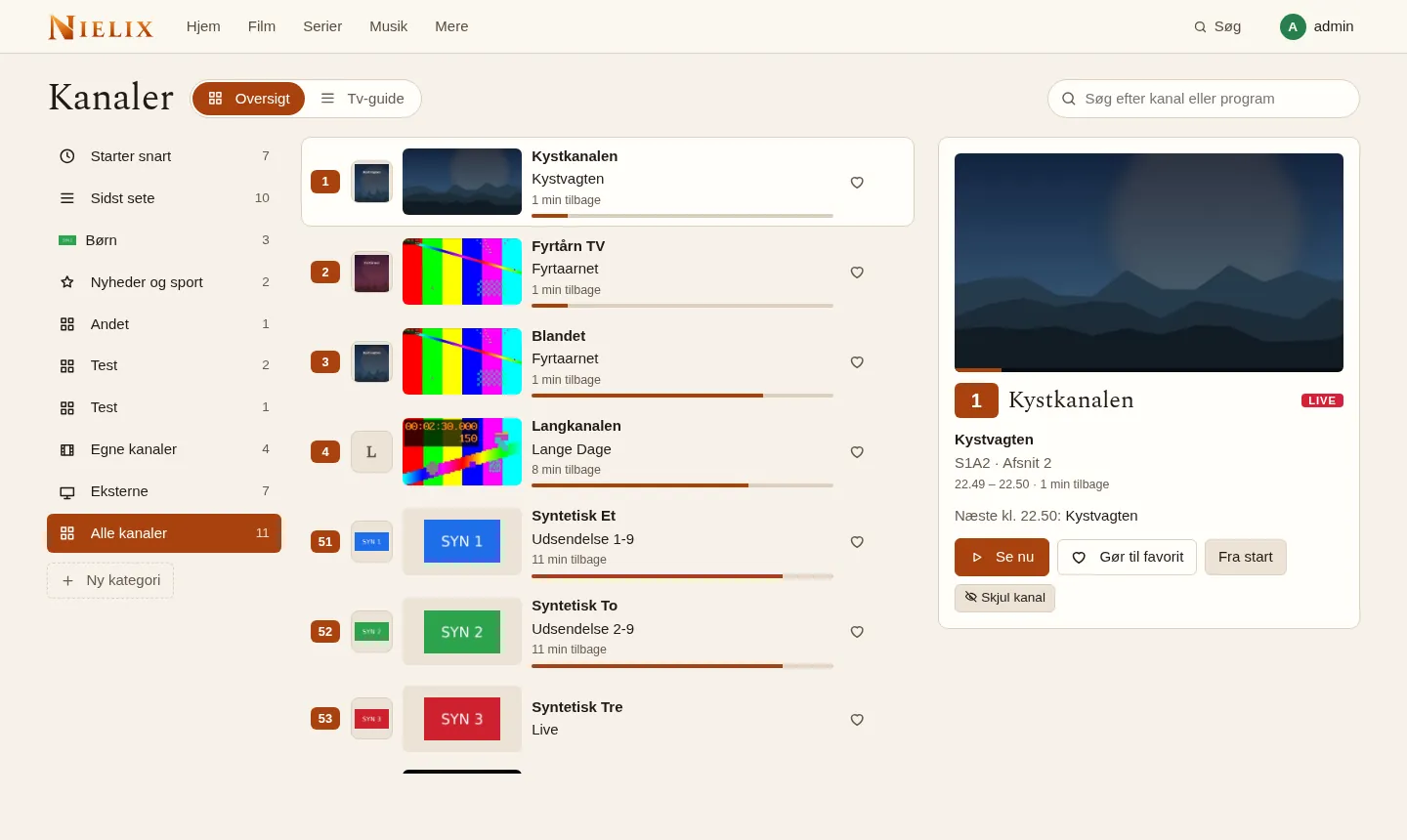
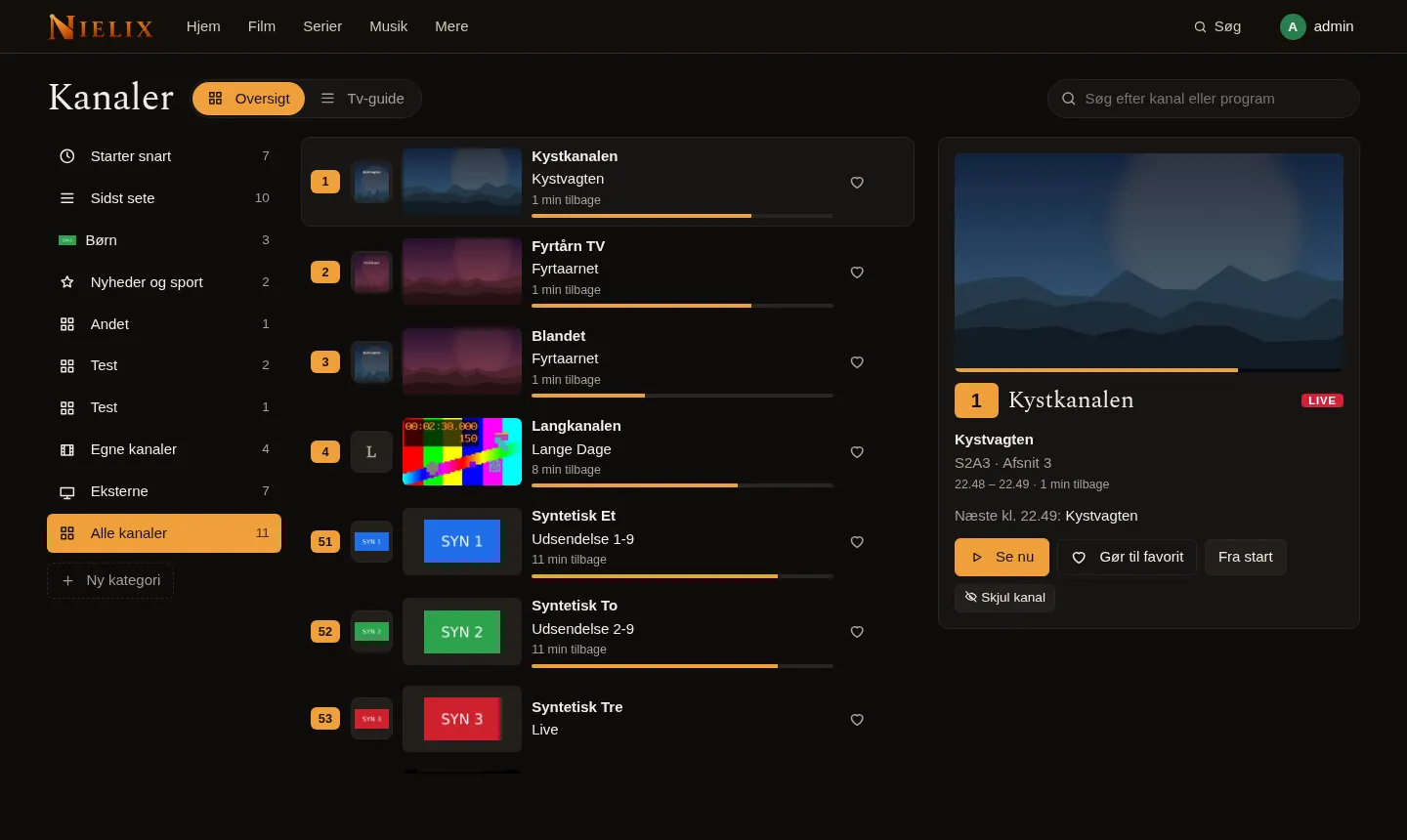
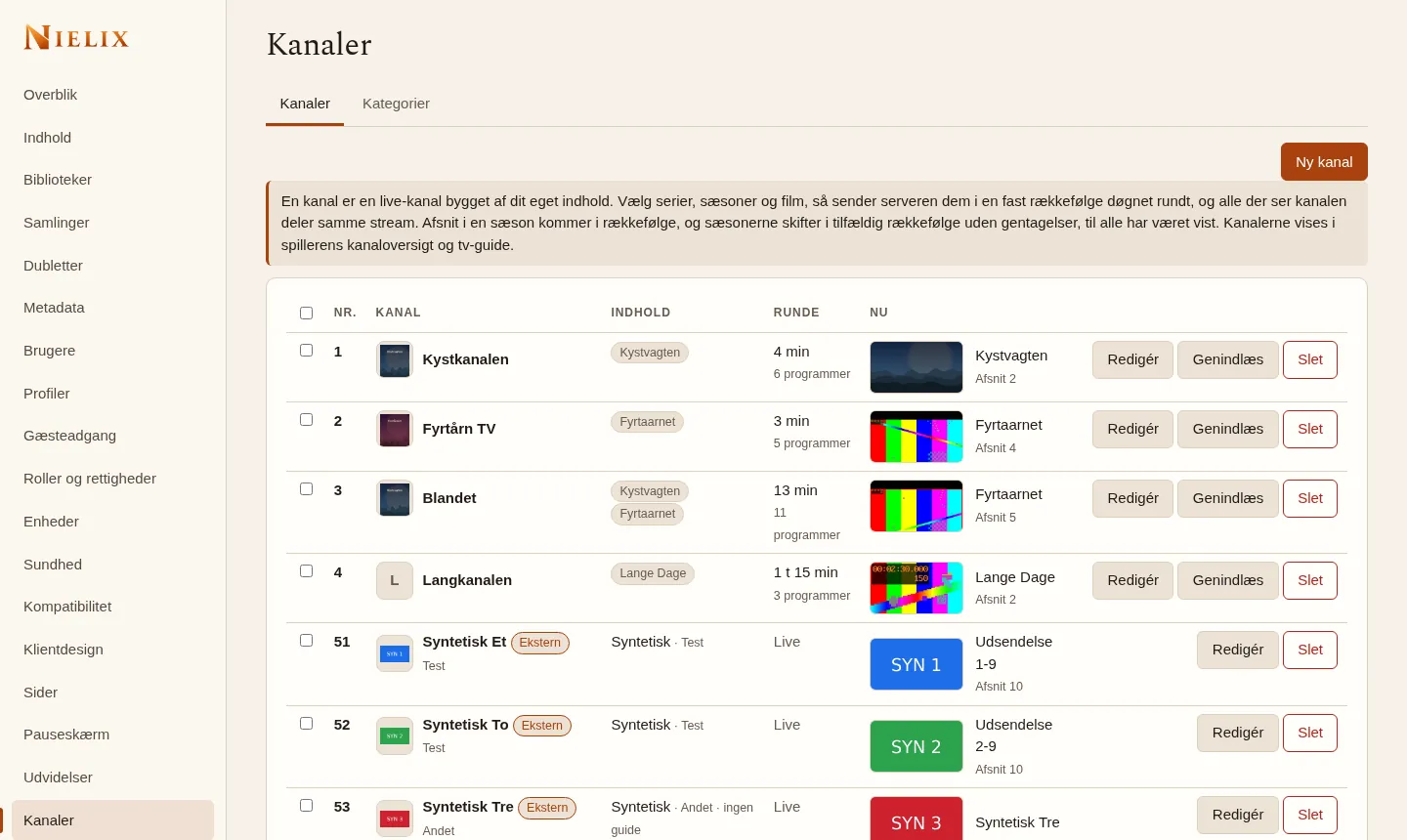
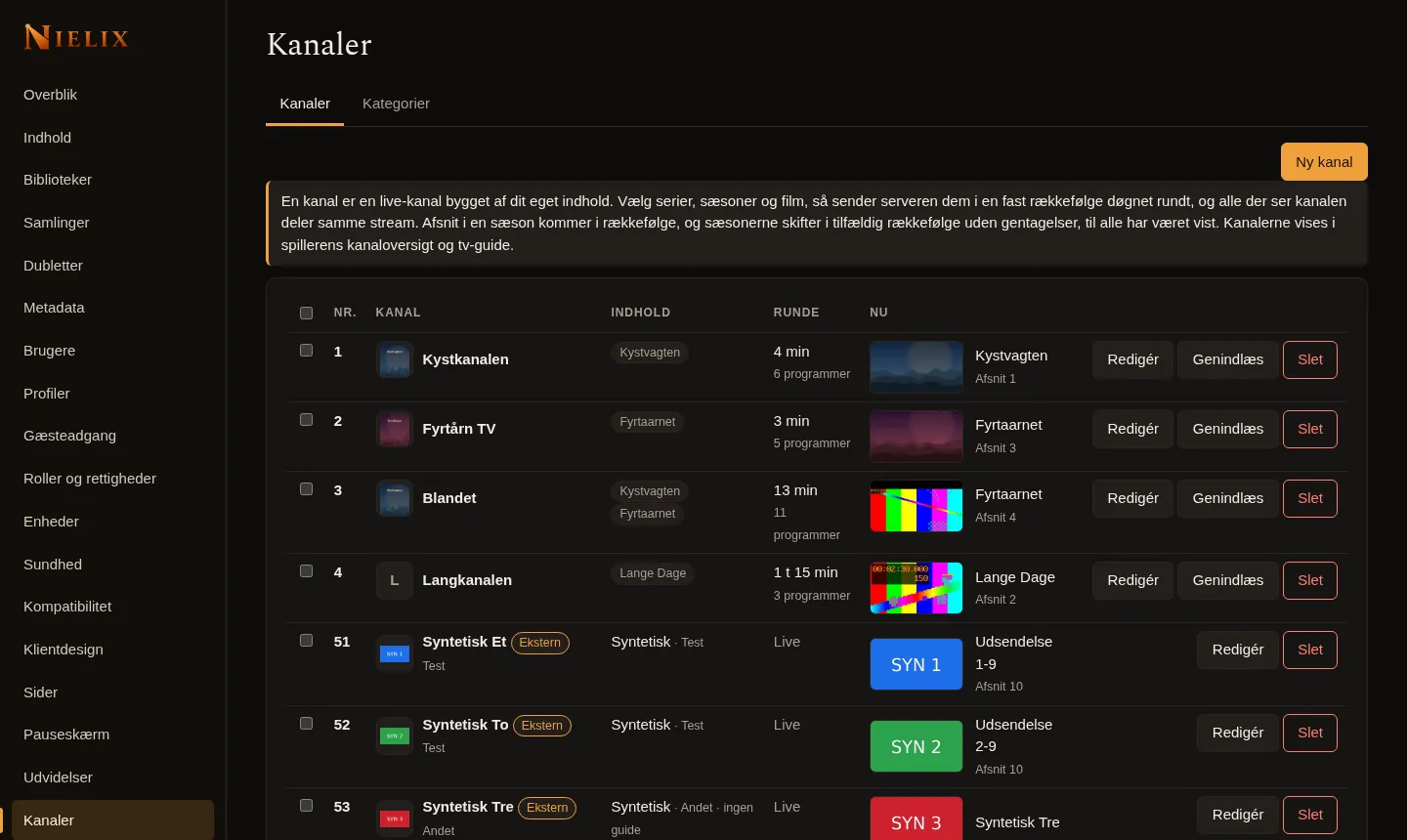
The screenshot shows the Danish interface and invented content only.
Your own channels
A channel is a live channel built from your own content. You choose series, seasons and films, and the server plays them in a fixed order around the clock. Everyone watching the channel sees the same thing at the same time.
- Episodes in a season come in order, and seasons rotate in random order without repeats until all have been shown.
- Channels can be limited per profile and to certain time windows.
TV guide, favourites and categories
Under Channels you find an overview of what is on now, and a TV guide with programmes.
- Set a reminder on a programme.
- Mark favourites, order them, and hide channels you do not want.
- Sort channels into categories such as Kids and News and sport. The administrator makes the server's categories, and each user can make their own.
- If a channel has no guide, the server makes up a rolling programme in blocks of three hours, so the guide never breaks.
From the start and recordings
On your own channels you can watch a programme from the beginning and make recordings. This needs Premium. What has already been recorded can still be watched if Premium expires.
External channels
Nielix can also show channels from an M3U list and an XMLTV guide that you supply yourself. This needs Premium. The feature is off until you turn it on and confirm that you have the right to the sources. Nielix provides no channel lists, addresses or content.
- The app never sees the provider's address. The server fetches the stream and gives the app a playlist on your own server with a short-lived token.
- Audio and subtitle tracks are kept, and the height can be limited.
- A provider may block by country, require a login or limit simultaneous viewers, so I cannot promise that a channel works.
- External channels you have added stay in place and are hidden from viewers if Premium expires, until there is a key again.
Read next
- The Nielix player
How Nielix plays your files, from direct play and transcoding to subtitles and the next episode.
- Nielix and Home Assistant
Send messages and speech to the TV screens in the house, control playback from automations, and use MQTT, webhooks and Home Assistant. All of it is off until you choose it.
- Security and running without internet
Nielix is built for your own network. Here is what works without internet, and how the server is kept closed the way you want it.
- All features
- Pricing
- FAQ
Ready to try Nielix?
Download the server and run it on your NAS, mini PC or Raspberry Pi. You do not need an account to use it.